Animate Picture AI Make Product, Poster, and Social Assets Move
Upload a product still, poster, illustration, landscape, or campaign image. Describe the movement you want and generate an image-to-video result for your content workflow.
Need a format idea? Browse Motion Patterns then adapt one to your channel.
Make a picture move in three decisions
Choose the composition, direct one motion layer, then verify brand and object details.
Choose the anchor image
Upload the still that should define the opening composition, subject placement, color, and visual hierarchy.
Direct the motion layer
Describe a camera move, object action, or atmospheric effect without asking every element to move at once.
Generate and quality-check
Review the available model settings and estimated credits, submit, then inspect logos, text, product shape, and transitions.
Match the movement to the asset
These images illustrate useful content archetypes, not guaranteed outputs. The generated video can reinterpret text, logos, product geometry, hands, and fine details.
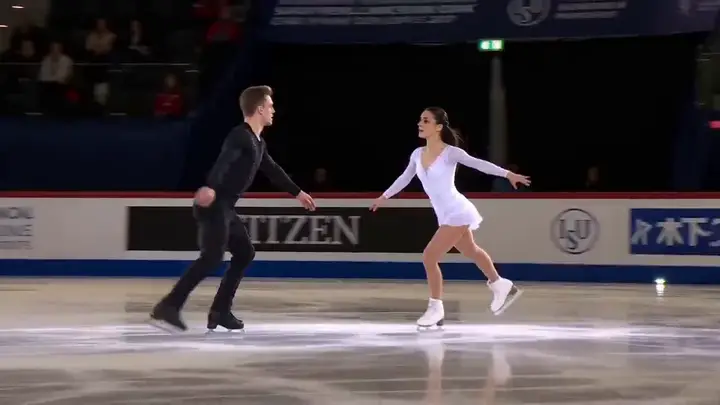
Product reveals
Use a controlled camera or object movement to introduce a product without overwhelming its shape.
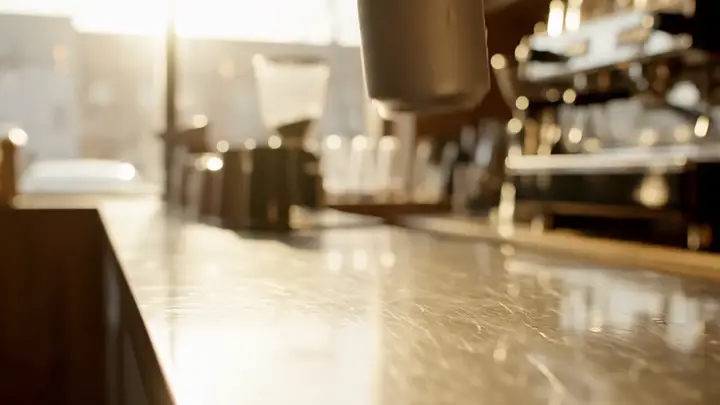
Food and atmosphere
Steam, light, pouring, and small environmental effects can add motion while keeping the hero item central.
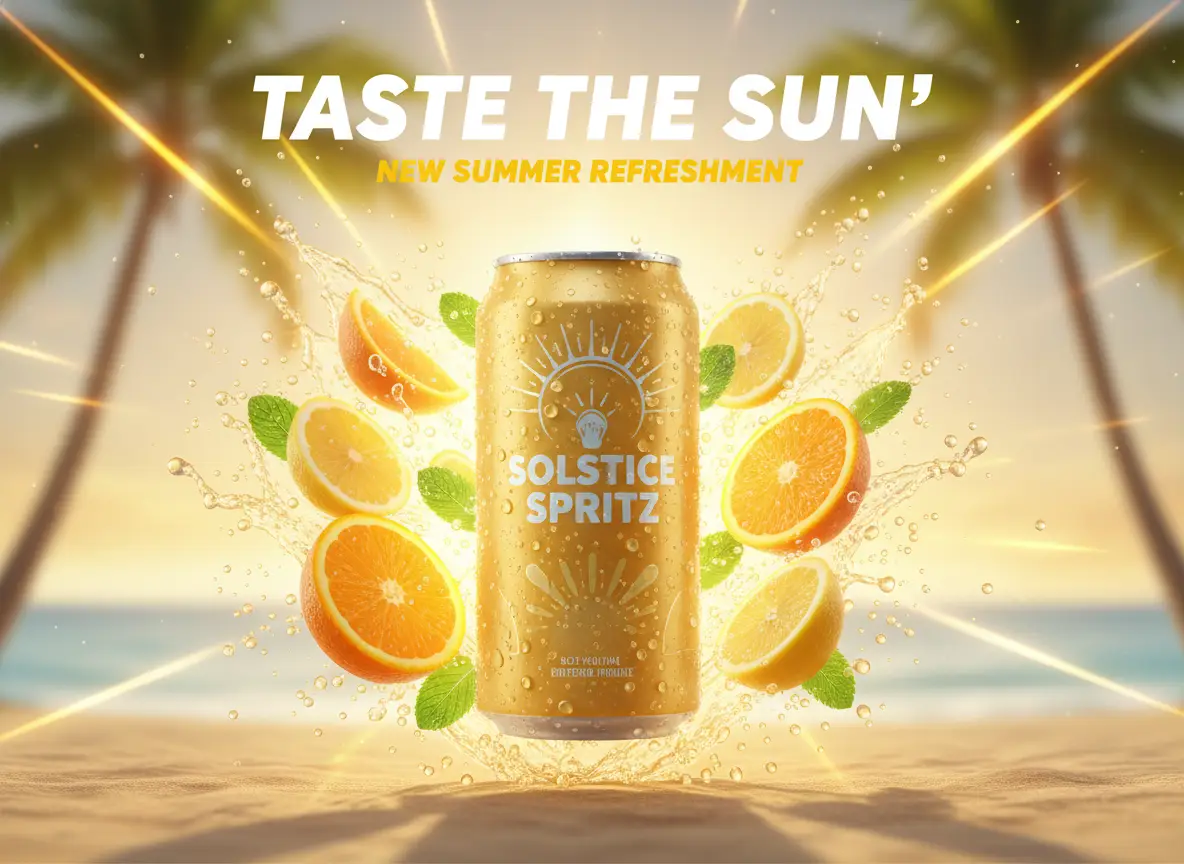
Social launch graphics
Turn a campaign still into a short visual opener while preserving the intended hierarchy.
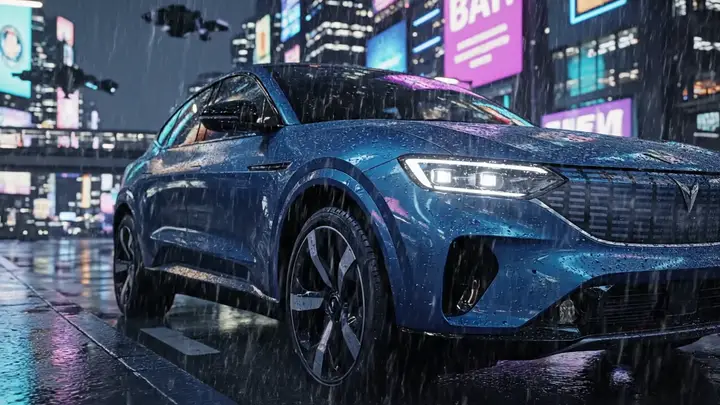
Vehicles and hard-surface objects
Camera movement can reveal form, but reflections, wheels, badges, and straight edges need careful review.
Choose what moves and what must stay fixed
A useful brief separates the motion layer from protected composition details.
Camera motion
Ask for a slow pan, push, pull, or orbit when the scene itself should remain mostly stable.
Subject motion
Name one object action and its pace, such as a product turning slowly or fabric lifting in a light breeze.
Atmospheric motion
Use smoke, steam, particles, rain, water, or changing light to animate the environment around a stable subject.
Protected details
List the logo, product shape, key colors, and composition features that require human verification after generation.
Build motion for the channel you publish to
Start from the job the asset needs to do, then choose the image and motion brief.
Social post openers
Turn a static campaign visual into a short moving hook for a feed, story, or vertical post.
Product launch teasers
Add controlled reveal motion to a product still for landing pages, ads, or announcement content.
Motion posters
Animate light, particles, fabric, or camera position around an existing poster composition.
Illustrated scenes
Bring depth and atmosphere to an illustration with layered movement or a restrained camera path.
Inspect detail drift before publishing
A visually smooth animation can still be wrong in commercially important details.
Logos and text
Generated frames can deform lettering and marks. Replace critical text in an editor instead of trusting AI-rendered copy.
Product shape
Check packaging proportions, buttons, seams, wheels, handles, and other features from the first frame to the last.
Color consistency
Compare brand colors, skin tones, material colors, and lighting direction with the approved source.
Rights and claims
Use images you may process and verify that the finished clip does not introduce misleading product features or claims.
Price the test before the campaign
Model availability, controls, and estimated credits are displayed in the generator form.
Test one representative still
Validate the motion pattern and detail stability before generating a wider set of campaign variations.
Review compatible models
Image-to-video capabilities and settings differ by model; use the options currently shown in the form.
Read the credit estimate
Confirm the displayed credit requirement before submitting each generation.
Handle failed jobs
The product reserves credits before processing and releases them when a generation fails.
Move from generated motion to campaign-ready creative
Finish the asset outside the generator when exact layout, text, timing, or channel formatting matters.
Select the strongest take
Compare variations for motion clarity, product stability, composition, and the absence of distracting detail changes.
Finish text in an editor
Add approved headlines, prices, legal copy, and logos after generation so critical information stays accurate.
Adapt for each placement
Crop and sequence the selected clip for the intended feed, story, product page, presentation, or display placement.
Save the prompt pattern
Record the source type, motion direction, and checks that worked so related campaign assets can follow the same method.
Questions about turning still assets into motion
Motion prompts, product details, formats, credits, and publishing checks.
What is animate picture AI?
How do I make a picture move?
Can I animate a product photo?
Can I make a motion poster?
Which image formats can I upload?
Can I control the aspect ratio and duration?
Will text and logos remain exact?
How much does a generation cost?
What happens if the generation fails?
What should I verify before publishing?
Need help with a generation or credit issue? Contact support.
Turn one still into a motion-ready asset
Choose the anchor image, direct one motion layer, review the credit estimate, and inspect the result before it enters your campaign.